
Table of Contents
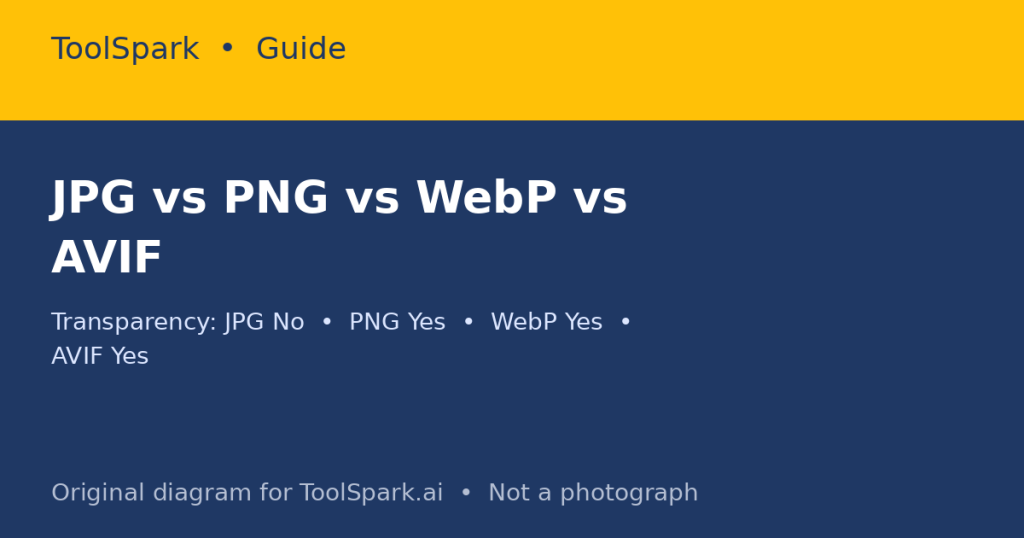
This JPG vs PNG vs WebP vs AVIF guide compares the four formats by compression, transparency, animation and compatibility. There is no single best image format, only a best format for a particular image, in a particular place, for a particular audience. A photograph, a logo, a screenshot, and an animation are different jobs, and forcing all four into the same format means sacrificing quality, compatibility, or file size on at least one of them.
In short: There is no single best image format, only a best format for a particular image, place, and audience. Use WebP, with a JPG fallback, for most web photographs; PNG, or WebP lossless, for logos and screenshots with transparency and sharp text; and AVIF first, WebP second, with a JPG fallback for hero photographs where smallest size matters most.
The four formats at a glance
| Format | Compression | Transparency | Animation | Best for |
|---|---|---|---|---|
| JPG (JPEG) | Lossy | No | No | Photographs, universal compatibility |
| PNG | Lossless | Yes, full alpha | No | Logos, screenshots, graphics with sharp text |
| WebP | Lossy or lossless | Yes | Yes | Most web images, as a practical default |
| AVIF | Lossy or lossless | Yes | Yes | Photographs where smallest size matters most, with a fallback |
Add SVG to that list for a fifth job: logos and icons made of shapes, where a vector file scales without pixelation and is usually smaller than any raster version. SVG is not a photograph format, and it should not be used as one.
Why lossy versus lossless matters more than file extension
JPG discards detail your eye usually will not notice, especially in smooth gradients, which is why it compresses photographs so well and why it looks blocky around sharp edges and text at low quality. PNG keeps every pixel, which is why a screenshot stays crisp and why a photograph saved as PNG can be several times larger than the same photograph as JPG. WebP and AVIF can do both: lossy for photographs, lossless for graphics, plus transparency and animation in one format.
The practical consequence is generation loss: every time you re-save a JPG, you lose a little more detail. Keep a lossless master (PNG, or a RAW/TIFF workflow for photography) and export lossy copies for delivery. Never edit the delivered JPG and re-save it as your master.
Decision table: pick by content, not by habit
| Your image | Choose | Why |
|---|---|---|
| Website photograph | WebP, with JPG fallback | Good compression, near-universal browser support |
| Hero photograph on a high-traffic page | AVIF first, WebP second, JPG fallback in a picture element | Smallest files where traffic multiplies the saving |
| Logo with transparency | PNG, or WebP lossless | Crisp edges and dependable alpha |
| Screenshot or UI mockup | PNG, or WebP lossless | No artefacts on text and 1-pixel borders |
| Photo to email or upload to an old system | JPG | Every tool reads it |
| Short animation | Animated WebP, or video | Far better compression than GIF in most cases |
| Photo you will re-edit repeatedly | PNG master, export copies | Avoids generation loss |
A conversion workflow that does not destroy quality
- Start from the highest-quality original you have, not from a previously compressed copy.
- Decide the delivery format from the table above, not from the format the file happened to arrive in.
- If you need transparency, do not choose JPG. Fill transparent areas with a background colour only if you have deliberately chosen that background.
- Export at the display size you need. Uploading a 4,000-pixel photograph to display at 800 pixels wastes bandwidth in every format.
- Keep the original and the exported file separately, with a naming system that shows which is which. A file called ‘logo-final-v2-web.webp’ is more useful than ‘logo-final-final.png’.
What about HEIC, GIF, and BMP?
HEIC is what many phones use to store photographs efficiently, but browser support is essentially limited to Safari in limited contexts, so it is a storage format, not a delivery format. Convert HEIC to JPG, WebP, or AVIF before publishing. GIF is a legacy animation format limited to 256 colours; it survives because it is universally understood, not because it is efficient. BMP is uncompressed and should not be used for web delivery. The ToolSpark converters cover HEIC to JPG/PNG and the JPG/PNG/WebP/AVIF family, so you can move from a phone photograph to a web-ready file without installing software, but check the output visually: a converter cannot tell you whether a quality setting preserved the detail that matters in your specific image. Try the Image Converter, JPG to PNG, JPG to WEBP, PNG to WEBP, PNG to AVIF, and AVIF to JPG.
Frequently Asked Questions
What is the difference between lossy and lossless?
Lossy compression discards some image data to make a smaller file; you cannot get the discarded data back. Lossless compression preserves every pixel exactly, at the cost of a larger file.
Does JPG support transparency?
No. JPG has no alpha channel, so transparent areas must be filled with a background colour when converting to JPG.
Is WebP supported everywhere now?
All current major browsers support WebP. For very old systems, email, or print workflows, JPG or PNG remain safer.
Is AVIF always smaller than WebP?
Often, for photographs, but not always, and encoding is slower with less universal tooling. Test with your own images rather than trusting a single percentage.
Does converting JPG to PNG improve quality?
No. Converting a lossy JPG to lossless PNG preserves the JPG’s existing artefacts; it cannot restore detail that compression already removed.

Community Reviews & Discussion
[…] JPG vs PNG vs WebP vs AVIF: Which Image Format to Use, and When Each One Earns Its File Size […]
[…] JPG vs PNG vs WebP vs AVIF: Which Image Format to Use, and When Each One Earns Its File Size […]